Which Best Kindle E-Readers Should You Buy?
If you are shopping for the best Kindle e-readers, the Amazon Kindle Paperwhite is usually the easiest choice for most people. It reads reliably, supports a large digital library, and it is waterproof, so you can keep reading without worrying about splashes. The Paperwhite Kids model is nearly the same experience, but it is built for younger readers.
Battery life is a big factor when you pick an e-reader, and the Paperwhite line tends to deliver dependable time between charges. In real use, many readers find it matches the idea of day to day portability, even when they read regularly. That makes it a practical option whether you read on commutes or at home.
If you borrow ebooks through Libby, you can still enjoy them on your Kindle. Choose the option to read with Kindle, send the book to your Kindle library, and then continue reading on your device when it is convenient for you.
Why Finding the Best Kindle E-Readers Feels Like a Maze
Most people start with a simple goal. Buy an e-reader that feels great to read and does not fall apart after a few weeks. Then the options multiply, and suddenly you are comparing screens, lighting, water resistance, storage, and battery life all at once.
The hard part is that every model marketes a feature or two, but your everyday experience depends on how those features work together. A sharper display helps, yet a dim front light can still ruin long sessions. Battery life matters, but so does how easily your library shows up on the device.
Amazon Kindle Paperwhite and Paperwhite Kids Stay Near the Top
If you only want one straightforward pick when searching for the best kindle e-readers, the Amazon Kindle Paperwhite is the one most buyers land on. It is reliable, widely recommended, and built for daily reading with a comfortable screen and dependable performance.
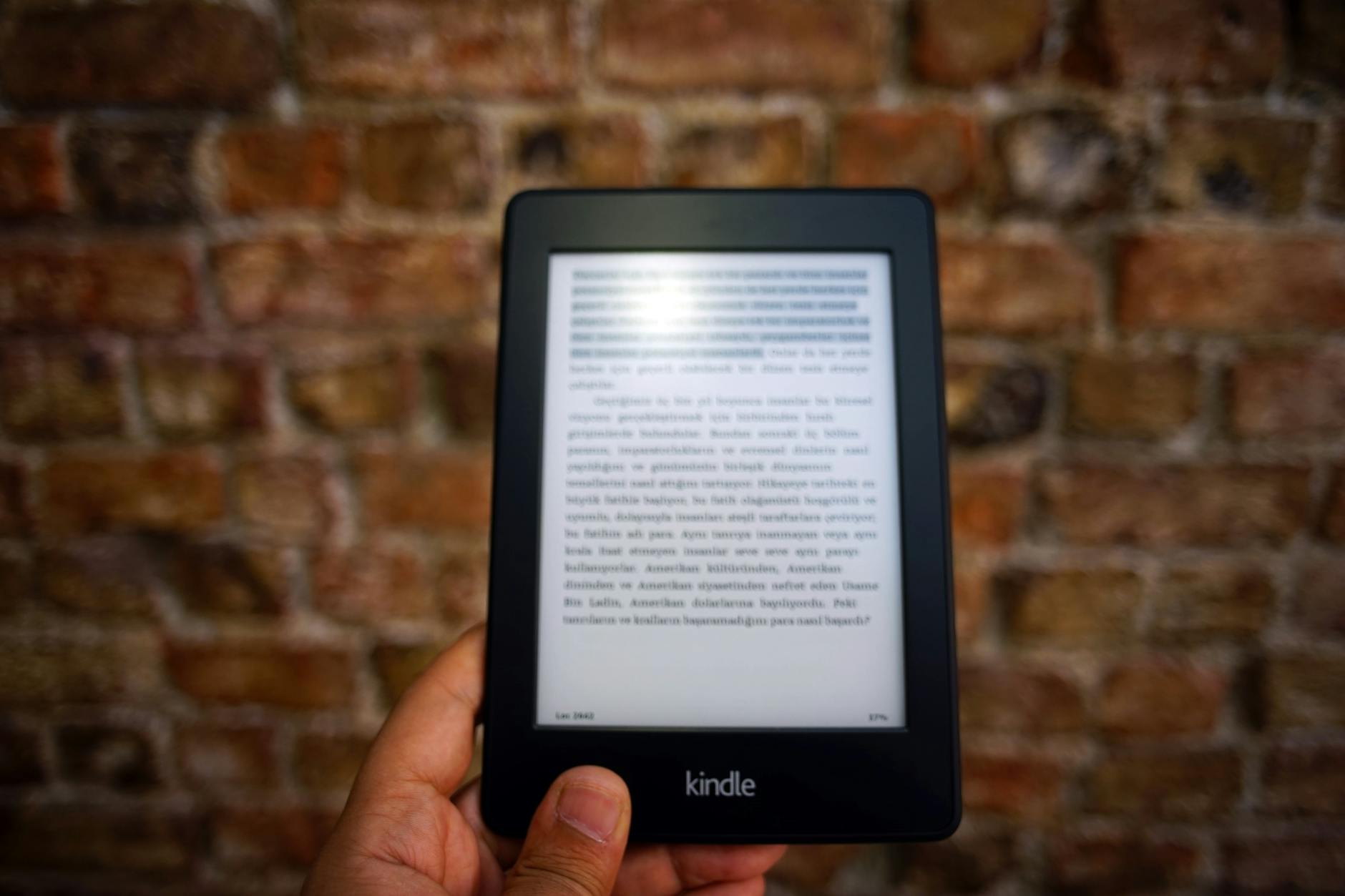
The Kindle Paperwhite Kids is nearly identical in day-to-day reading experience. You get the same core advantages, plus a kids-focused package that makes it easier for families to set boundaries without treating reading like a fragile gadget.
To make the comparison easier, here are the common, measurable specs that usually drive buying decisions for the Paperwhite line.
| Model | Standout Specs | Best For |
|---|---|---|
| Kindle Paperwhite | Up to 10 weeks battery, IPX8 | Everyday readers |
| Kindle Paperwhite Kids | Same reading tech, kid-ready bundle | Kids and families |
| Kindle Paperwhite Signature | Auto adjusting light, up to 10 weeks | Night and travel use |
| Kindle (Basic) | 6-inch screen, up to 6 weeks | Budget first-time buyers |
| Kindle Oasis | Water resistant, ergonomic design | Comfort-first hands |
This is why the Paperwhite family keeps showing up in the conversation. The reading experience stays consistent, and the hardware is built for real life, including wet weather and messy book-adjacent moments.
Battery Life and Library Access That Actually Works
Battery life is one of the biggest decision factors because it sets how often you need to think about charging. Some summaries list claimed battery life while also referencing tested results, but the overall pattern stays steady. The Paperwhite line tends to deliver dependable endurance for everyday reading.
For library access, the Paperwhite is also a practical choice because it fits common borrowing workflows. Based on expert-tested reviews, people like how smoothly digital lending turns into offline reading once the book is on the device.
If you borrow from services like Libby, look for the option that lets you move compatible titles onto your Kindle library. On the borrowing side, choose “read with Kindle,” then confirm the transfer so the book shows up on your Paperwhite for your next reading session.
Buying Tips to Avoid Regrets Before You Hit Order
Start by matching the reader to your routine. If you read on the go, prioritize waterproof design, comfortable lighting, and a screen that stays easy on your eyes in dim rooms. If the device will live in a kid’s room, treat the kids model as a setup for supervision, not just a different case.
Watch for the most common mistakes: assuming every borrowed e-book will transfer the same way, underestimating how much you will read in a day, and forgetting that storage can limit how many downloads you keep offline. A quick check of supported transfer options and formats can save you time later.
When you are ready to buy, choose the Paperwhite model that fits your reading style today and your household needs tomorrow. That single choice usually gives you the best balance of comfort, reliability, and straightforward library use.
What Are the Best Kindle E-Readers for Most People?
Is the Kindle Paperwhite a Good Choice for Most Readers?
The Kindle Paperwhite is a top pick because it provides dependable reading, access to a large digital library, and waterproof protection, which makes it convenient for everyday use.
How Do Battery Life and Library Transfers Work on Kindle E-Readers?
Battery life is a key factor, and the Paperwhite line is known for consistent performance on a charge, while compatible borrowed ebooks from services like Libby can be transferred by choosing "read with Kindle" to send them to your Kindle library.
Finding The Best Kindle E-Readers For Everyday Reading
If you are choosing from the best kindle e-readers, the Kindle Paperwhite is a standout option for most readers thanks to its reliable performance, waterproof design, and excellent access to digital books, while the Paperwhite Kids keeps the same core strengths with a kid-friendly approach. Battery life matters too, and the Paperwhite line is consistently a dependable pick for daily use, plus you can often transfer compatible borrowed titles by selecting “read with Kindle” so they land in your Kindle library.
Check price on Amazon →