Best Charging Docks for Phones and Gadgets
Choosing the best charging docks comes down to one simple question: what devices do you want to charge at the same time. If you want a strong all-around option, the UGREEN 100W 6-Port GaN Charger is a great fit because it delivers high power with a compact setup and room for multiple devices.
If you just need a simple, budget-friendly dock for a single device, the Anker 313 is an easy pick. It focuses on straightforward Qi charging under $20, so it works well when you do not need multi-device charging or MagSafe features.
For Apple users who want one tidy station on the nightstand or desk, the Belkin MagSafe 3-in-1 Wireless Charging Stand is designed for iPhone, AirPods, and Apple Watch together. It is a practical way to charge your Apple gear in one place without mixing different chargers across outlets.
The Real Problem With Everyday Charging Setups
Most charging docks fail for a simple reason. They look tidy, but they do not match your actual device needs. The result is a desk full of cables again, plus the annoying feeling that charging is always “almost done”.
Even worse, many docks under-deliver on power. You might see multiple ports, but a dock can split wattage under load, so one device charges slowly while another gets priority. That is why the phrase best charging docks quickly becomes less about brand and more about real-world output.
What Specifications Decide the Best Charging Docks
Before you pick a dock, focus on three numbers that directly affect everyday performance. First is total wattage, like 100W, which hints at how much energy the dock can handle across devices. Second is per-port output, because a dock that says “multi-port” may still cap each port at a modest level.
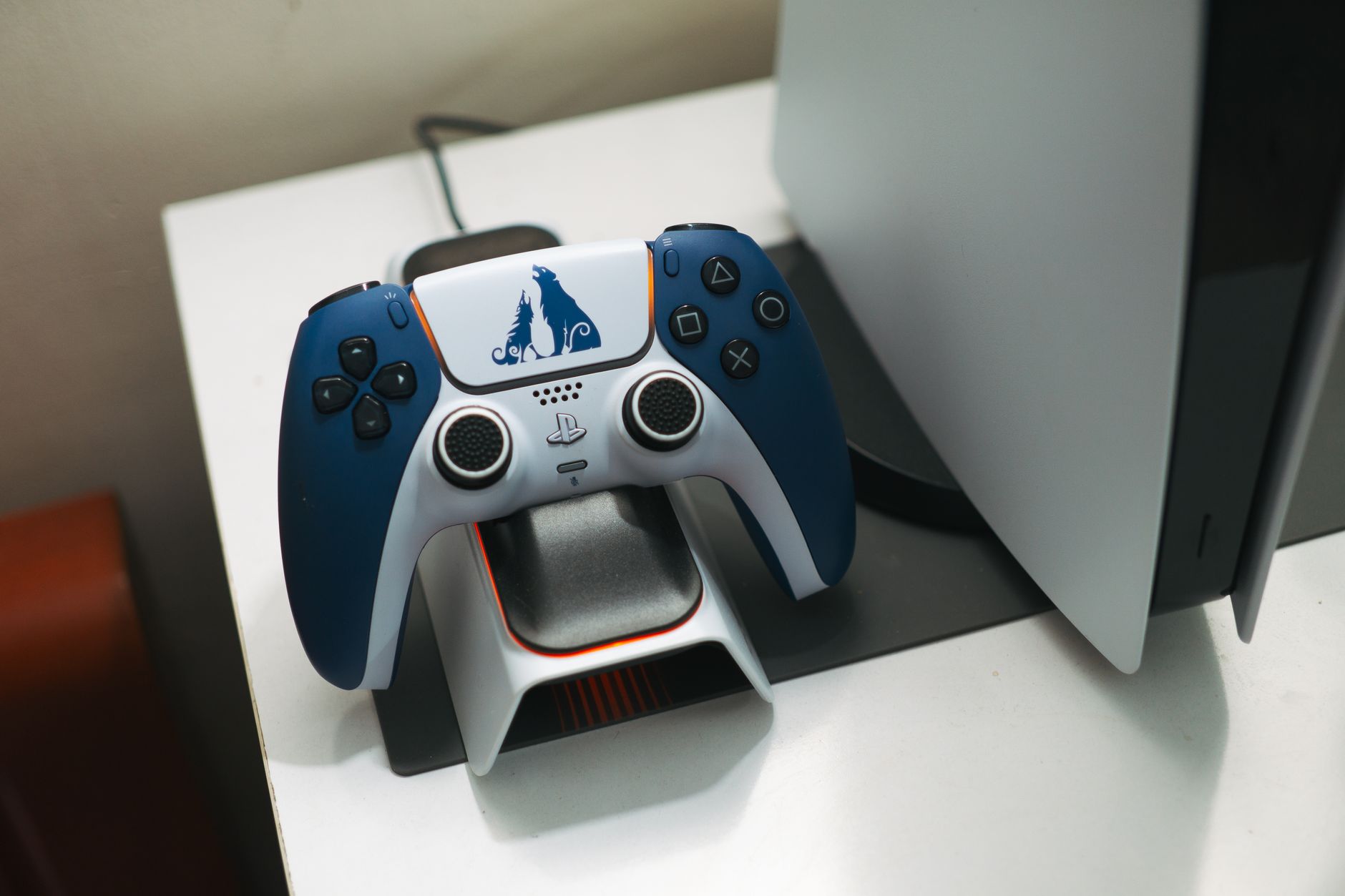
Next comes wireless charging detail, since Qi and MagSafe standards use different power profiles. If you want a quick reference, this table summarizes practical coverage you can expect from common dock styles.
| Use Case | Max Power | What It Covers |
|---|---|---|
| 100W Multi-Port Charging | 100W total | Phone, tablets, accessories |
| Apple 3-in-1 Stand | iPhone up to 15W | iPhone, AirPods, Watch |
| Single Qi Pad | Up to 15W | One phone at a time |
| Dual USB-C Desktop | 25W to 60W | Two devices daily |
| Travel Wireless | 10W to 15W | Minimal desk setup |
Use these specs to sanity-check your routine. If you charge a laptop plus a phone, you need a multi-device dock with strong total wattage. If your goal is one phone on a nightstand, a single-device Qi solution often feels faster and less complicated.
Recommended Picks For Different Device Mixes
If you want a clear all-rounder, the UGREEN 100W 6-Port GaN Charger stands out. It balances high power with six practical ports, so you can charge a phone, accessories, and other devices without constantly swapping chargers. Its compact footprint also helps if your desk or nightstand has limited space.
If your setup is simple and you want to spend less, the Anker 313 is a strong budget-friendly single-device Qi option, especially when you do not need multi-device charging or MagSafe. For many people, that is exactly what makes it feel better than larger docks: one job done reliably.
For an Apple-focused multi-device setup, the Belkin MagSafe 3-in-1 Wireless Charging Stand (2nd Gen, WIZ017) is built to charge your iPhone, AirPods, and Apple Watch together. If you want a quick sanity check, recent test results can help you compare expectations around wireless speed and positioning.
How to Set Up Your Dock Without Wasting Power
The best dock in the world can still disappoint if you set it up for the wrong charging order. Start by placing the highest-demand device closest to the dock’s strongest charging path, then fill remaining slots with lower-demand accessories like headphones or earbuds.
To make your charging workflow smoother, keep these practical tips in mind.
- Check whether the dock shares wattage across ports when multiple devices charge at once.
- Use the right cable for the job, especially USB-C cables rated for higher wattage.
- If a dock supports wireless, align your phone carefully to avoid slow charging due to misplacement.
A common mistake is buying for “number of ports” instead of total power and real usage. When you match your dock to your device mix, charging stays fast, cables stay minimal, and your desk looks organized instead of improvised.
Best Charging Docks: How Do You Choose the Right One?
Which Best Charging Dock Is the Top Choice for Most People?
The UGREEN 100W 6-Port GaN Charger is a strong overall pick because it delivers high 100W power in a compact design while giving you six ports for multiple devices.
What Should You Look for in a Qi or MagSafe Charging Dock for Apple Devices?
If you want a simple single-device Qi dock, the Anker 313 is a budget-friendly option under $20, and if you need an Apple-focused multi-device setup, the Belkin MagSafe 3-in-1 Wireless Charging Stand charges your iPhone, AirPods, and Apple Watch together.
Choosing The Best Charging Docks Makes Daily Power Easier
If you want the best charging docks, start by matching the dock to your devices and how you charge each day. The UGREEN 100W 6-Port GaN Charger is a strong overall pick when you need high power and multiple connections in a compact design, while the Anker 313 fits well for a simple single-device Qi setup on a budget. For Apple users who want one stand for iPhone, AirPods, and Apple Watch, the Belkin MagSafe 3-in-1 Wireless Charging Stand is an easy match.
Check price on Amazon →